Skip to content
 EN
EN  DE
DE  العربية



Troubleshooting: What It Is, and How It Differs from Root Cause Analysis
Troubleshooting is finding and fixing the cause of a fault so the equipment runs again, fast. Its goal is recovery, now. Root cause analysis digs deeper to stop the fault ever coming back. Troubleshooting gets you running today; root cause analysis makes sure you’re not doing it again next week.
Why is troubleshooting important?
Troubleshooting matters because every minute a machine is down is lost output, and a fast, structured diagnosis is what gets it running again. Guesswork lengthens repair time and can mask the real fault, so the problem returns on the next shift. A clear method shortens mean time to repair (MTTR) and leaves a record that speeds up the next fix.
How does structured troubleshooting work?
Good troubleshooting follows a method rather than trial and error:
- Describe the symptom precisely, what changed and when.
- Check the obvious and the recent first: power, inputs, last change.
- Narrow it down, split the system and test each half.
- Fix the confirmed cause, then verify the fault is actually gone.
- Record what it was, so the next person recovers faster.
How does troubleshooting differ from root cause analysis?
Speed versus depth. Troubleshooting restores the machine now and often shortens MTTR. Root cause analysis goes further to find why the fault happened and stop it recurring. If the same fault keeps coming back, you’ve been troubleshooting when you needed RCA. On a breakdown maintenance call, you do the first; a repeat failure earns the second.
Troubleshooting vs root cause analysis at a glance
Getting it running versus keeping it running.
| Aspect | Troubleshooting | Root Cause Analysis |
|---|---|---|
| Goal | Restore now | Prevent recurrence |
| Depth | Immediate cause | Underlying cause |
| Speed | Fast | Deliberate |
| When | Every fault | Repeat or serious faults |
Free Troubleshooting Log
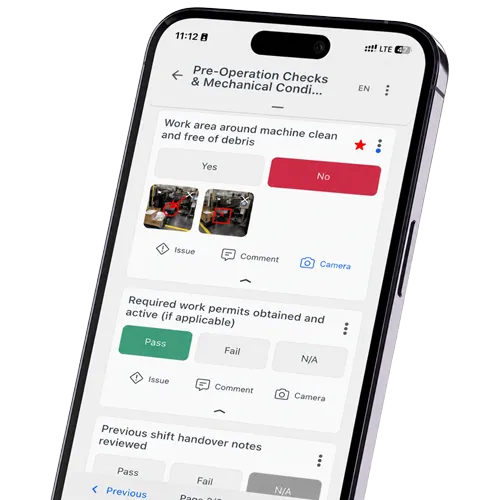
It captures the symptom, the checks tried, the confirmed cause and the fix, so recovery is faster next time and repeat faults become visible. Download the checklist (PDF). You can also complete the checklist digitally in flowdit on your phone, tablet or PC.
Related Terms
One Point Lesson – captures a fix for next time.
Further Reading
- Audit-Management-Software – plan & run audits
- The Ishikawa Diagram – narrowing down possible causes
- Fault Tree Analysis – structured fault finding